
Modern professionals spend long hours in front of computer displays, whether in the workplace or at home. While many individuals focus on selecting the correct chair and workstation, the monitor's position is sometimes disregarded. Poor monitor placement can cause neck strain, shoulder pain, and long-term posture problems. This is where monitor arms become an important component of an ergonomic desk.
When a monitor is situated too low, too high, or too far away, users must modify their posture to see the screen properly. This often leads to:
Forward head position.
Rounded shoulders.
Neck stiffness.
Upper back tension
Shoulder ache and weariness.
Over time, bad postural patterns can lead to persistent discomfort and decreased productivity. Maintaining the right screen height and viewing distance is critical for reducing physical strain.
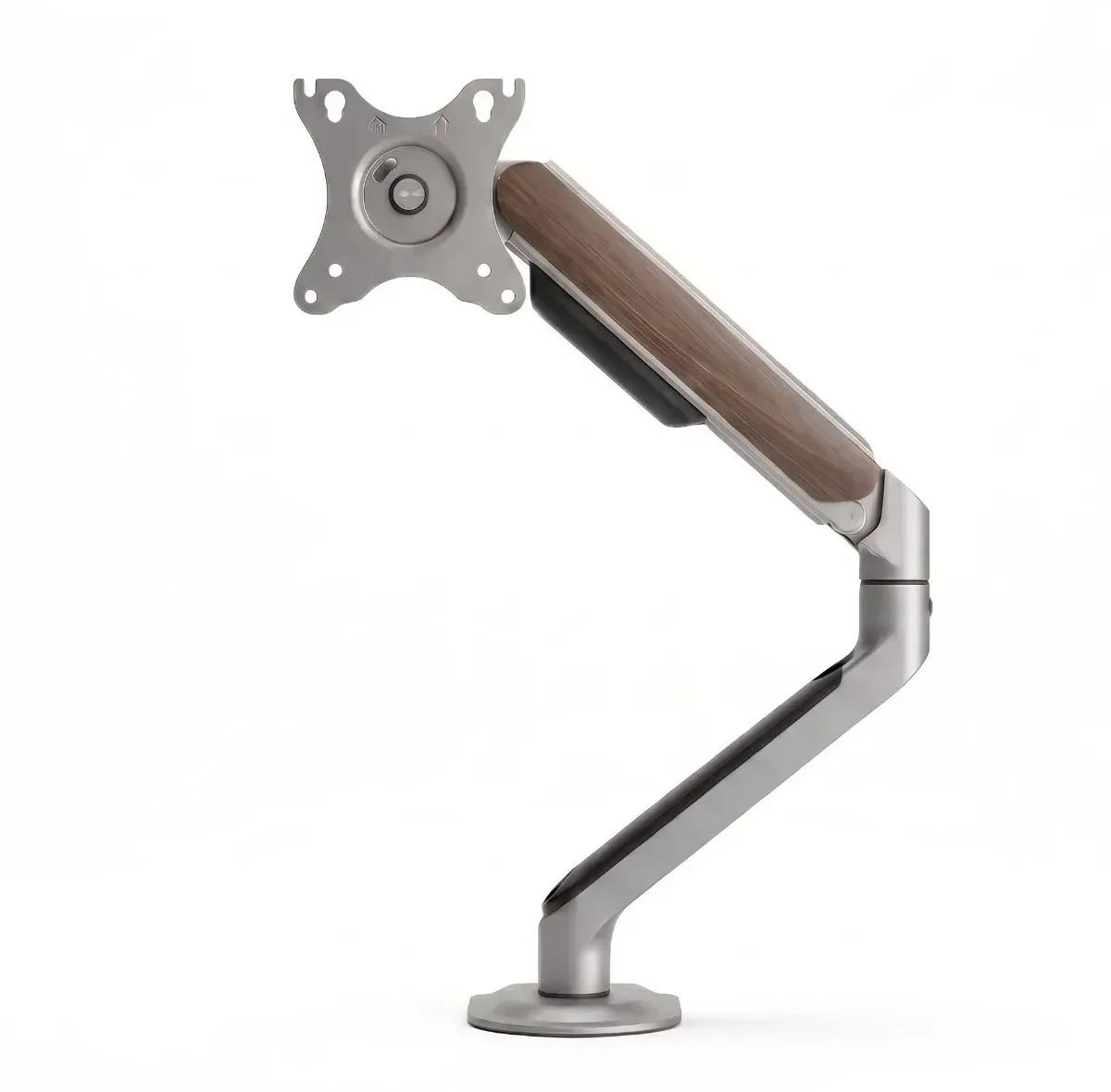
Using computer monitor arms, users may place their screens at the optimal height, distance, and angle. Unlike typical monitor stands, monitor arms are more adaptable and can be adjusted to individual requirements.
Some significant ergonomic advantages include:
A monitor should be positioned at the top of the screen at or slightly below eye level. Monitor arms make it simple to achieve this posture, minimizing the need to bend the neck up and down during the day.
When the display is properly positioned, users instinctively adopt a comfortable posture with their shoulders resting comfortably. This reduces muscle stress and tiredness during extended work sessions.
The flexibility to move the monitor closer or farther away allows comfortable viewing without leaning forward. This promotes a healthier sitting posture and alleviates tension on the neck and upper back.
Modern workstations frequently require changes to accommodate duties or user preferences. Adjustable monitor arms enable for rapid movement of screens, making it easier to maintain ergonomic comfort throughout the day.
Beyond minimizing physical discomfort, monitor arms contribute to a more organized and effective workplace by:
freeing up valuable desk space
Improving cable management.
Supports single and dual-monitor configurations.
Creating a cleaner and more professional workspace
A clutter-free workplace can help you focus and work more efficiently.
Desqoo recognizes the importance of building healthier and more productive workplaces. Our monitor arm solutions are engineered to offer seamless adjustments, long-lasting construction, and ergonomic support for modern businesses and home workstations.
Whether you're updating a corporate workspace or setting up a home office, investing in the correct monitor arm can greatly increase comfort and help eliminate frequent job aches and pains.
Neck and shoulder pain are frequently linked to incorrect monitor posture. Professionals can use monitor arms to establish optimal screen alignment, improve posture, and create a more comfortable work environment. A minor ergonomic adjustment today can significantly improve your long-term health and productivity.
Explore Desqoo's ergonomic workspace solutions and build a workstation that prioritizes comfort, efficiency, and well-being.