
Back pain is a typical concern for techies, developers, designers, and IT professionals who work long hours in front of computers. Sitting for long amounts of time without sufficient support can impair your posture and cause tension in your lower back, shoulders, and neck. While regular breaks and excellent posture are vital, selecting the right workplace chair can also significantly improve your everyday comfort.
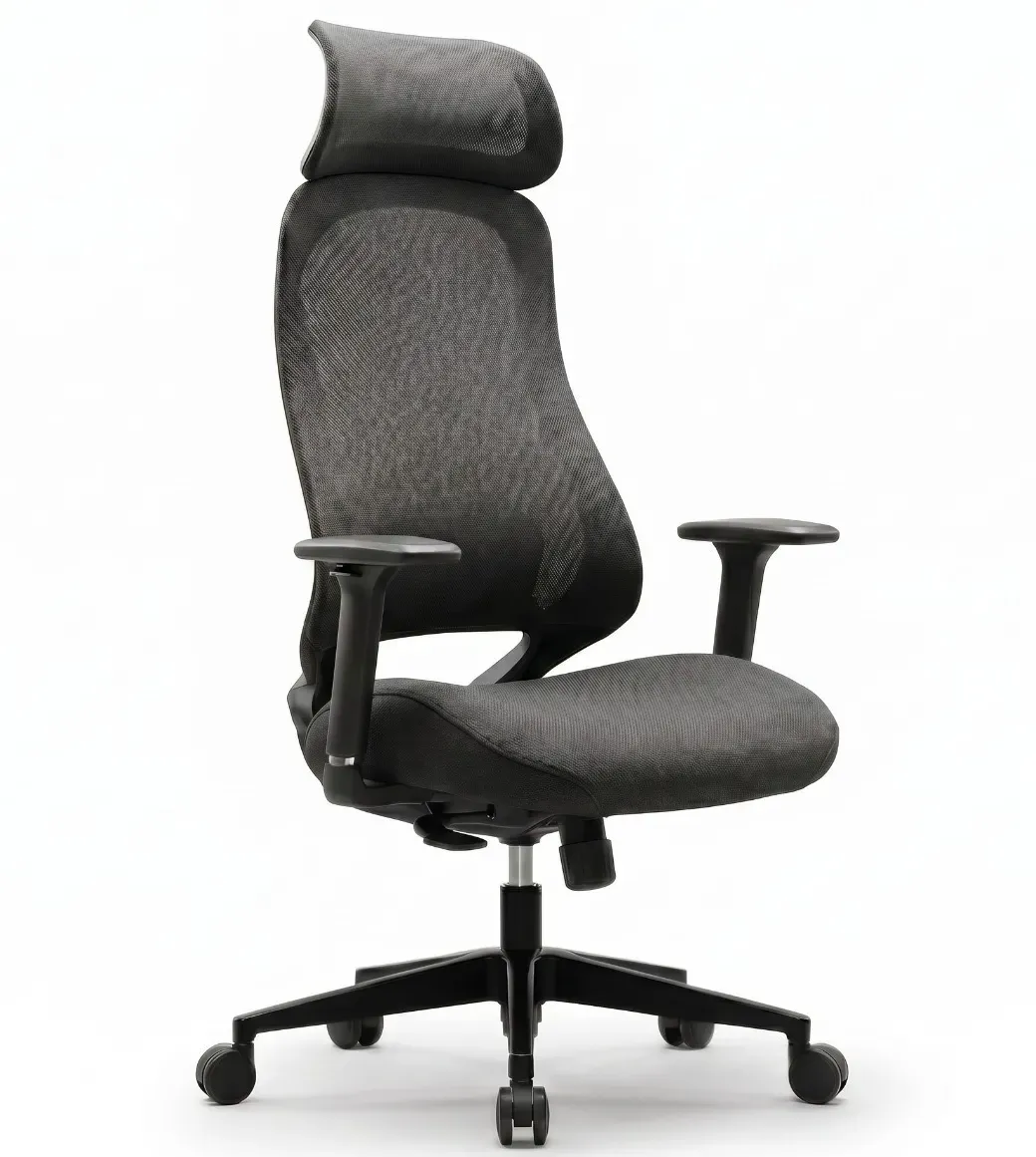
If you're not sure which chair is best for lengthy work hours, an ergonomic chair intended to support your body is a good place to start.
The best desk chair for back pain should give proper support while allowing you to customize the chair to your body and working position. Adjustability is a vital characteristic to consider because everyone's height, body shape, and sitting choice vary.
Find a chair with:
Adjustable Lumbar Support
Proper backrest support.
Adjustable seat height
Cushioning is comfortable and supportive.
Armrests can be adjusted
A seat that provides for comfortable leg placement.
A backrest that facilitates natural movement.
A sturdy and durable base
These features can let you sit in a more comfortable position whether working, coding, designing, or attending online meetings.
When you sit for long periods of time at a desk, your lower back needs proper support. A chair with lumbar support can help to support your lower spine's natural curve and promote good sitting posture.
An ergonomic office chair with lumbar support can be especially beneficial for professionals who spend the most of their working time at a desk. Adjustable lumbar support allows you to position the support based on your specific needs, allowing you to create a more comfortable working environment.
However, a chair cannot cure back discomfort. Your overall workstation layout, seating habits, regular movement, and posture are all crucial considerations.
Tech professionals frequently spend hours focusing on screens, writing code, attending meetings, or working on difficult projects. During these extended periods, an uncomfortable chair can rapidly become distracting.
A good ergonomic chair should have adjustable height, armrests, and back support to make your workstation more pleasant. Ideally, your feet should rest comfortably on the floor, your shoulders should be relaxed, and your screen should be positioned at a suitable height to reduce neck discomfort.
Even the most comfy ergonomic chair can't replace daily movement. Sitting in one position for too long can cause stiffness and discomfort.
Try to incorporate small breaks into your workday. Stand up, stroll around, stretch, or simply adjust your seating position. Consider combining an ergonomic chair with a height-adjustable desk so you may alternate between sitting and standing throughout the day.
Desqoo understands the needs of modern professionals who work long hours at their desktops. Our ergonomic workspace solutions are intended to help create work spaces that are pleasant, functional, and productive.
Whether you're a software developer, designer, digital marketer, or remote professional, selecting the right ergonomic chair can help you create a workspace that fits your needs. Combine an ergonomic chair with a well-planned workplace layout and regular movement to create a more comfortable working environment.
Your chair is an essential component of your workspace. Choose one that supports your body, fits your working style, and keeps you comfy all day.